
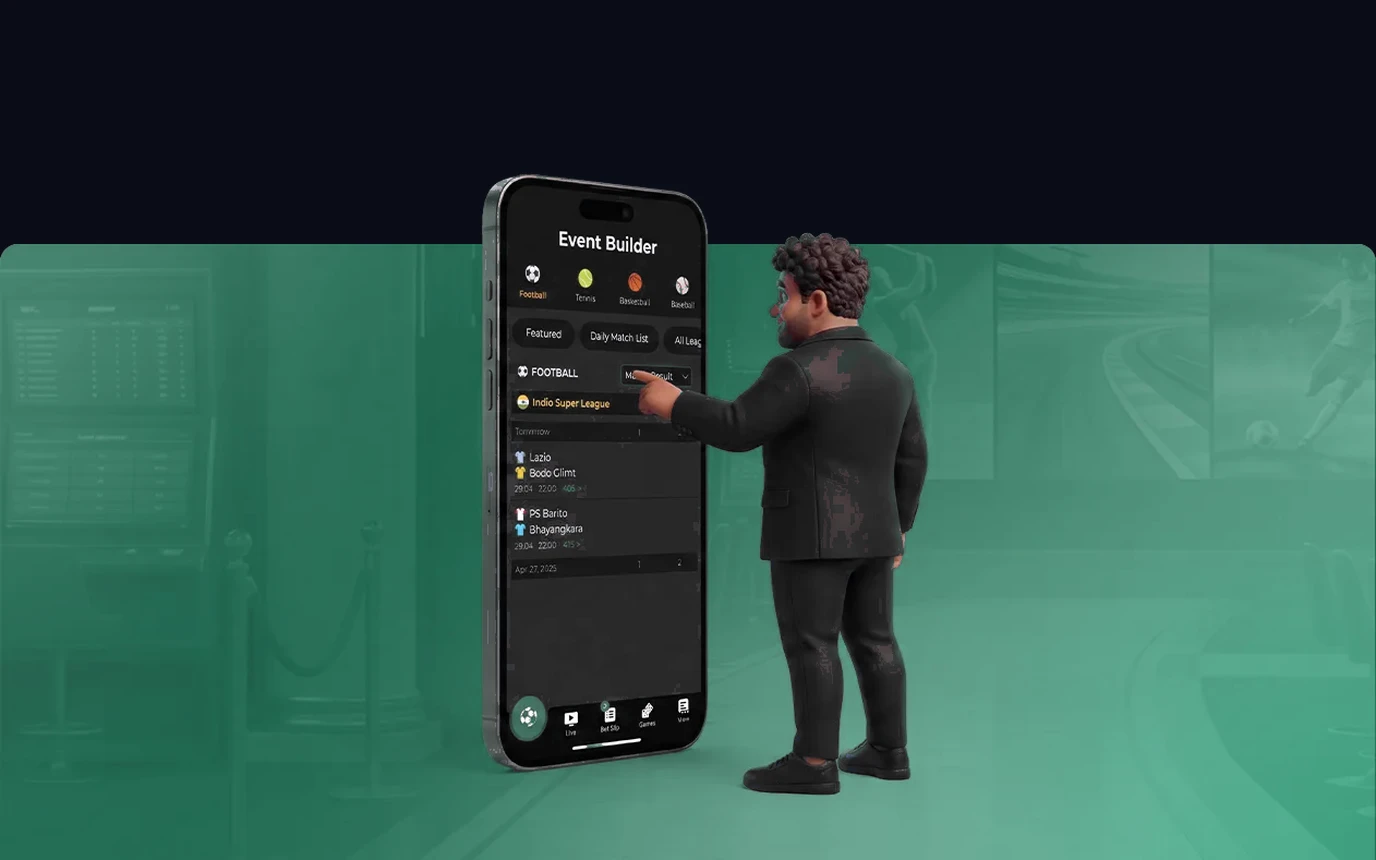
Greenbet Nigeria Mobile App Overview & Optimization.
The Greenbet mobile app is built for speed and low data use.
It is responsive on Nigerian networks, and you get full access to over 3,500 slot games, live casino rooms, and fast crash titles right on your phone. The app runs smoothly even on standard 3G and 4G connections across MTN, Airtel, Glo, and 9mobile. Touch controls and simple menus make choosing stakes and launching games easy, even with one hand.
Everything on the desktop site is also in the app: quick deposits via OPay and PalmPay, 24/7 customer chat, and full bonus management, all under license OGL/2024/112/0082.
How to Safely Download and Verify the Android APK Installer.
You install on Android through the official APK file, downloaded directly from greenbet.cc. Google Play restricts real-money gaming apps in many regions, so a direct, verified APK download is the standard, recognized approach across the iGaming industry.
To get started, visit the official site on your mobile browser, tap the Download App button, and let the file transfer. On Tecno, Infinix, or Samsung devices, this usually takes under 10 seconds. If your phone shows a prompt about unknown sources, go to your device security settings and briefly allow your browser to finish the install.
The full install takes about 30 seconds. Once it's done, open the app and log in, or sign up if you're new. The Greenbet icon then sits on your home screen for quick access next time.
How to Pin the PWA Web App on iPhone Safari Home Screen.
For iPhone and iPad, Greenbet offers an iOS shortcut using PWA technology.
PWA stands for Progressive Web App, essentially a website that behaves like an app. It uses almost no device storage and feels just as smooth as a native app. To set it up, open Safari and go to greenbet.cc, tap the Share button at the bottom of the screen, then select Add to Home Screen. Confirm the name and you're done with a single tap.
The Greenbet icon then appears right on your iPhone home screen. When you open it, it runs full screen with no Safari borders, which looks better and uses less battery.
Device Technical Specifications and Low-Bandwidth Performance Optimization.
The Greenbet app runs reliably on a wide range of Nigerian smartphones, from budget models to flagship phones. For Android, you need OS version 8.0 or newer, at least 2 GB of RAM, and about 45 MB of free storage.
For Apple devices, iOS 13.0 or higher gives the best experience. If you have trouble downloading the APK file, check your internet connection and make sure unknown source permissions are turned on.
Clearing your browser cache can also fix temporary display issues. If you're still stuck, our technical support desk is available 24/7 by live chat to help with setup.
Biometric Security and Instant Push Notifications.
Mobile security is reinforced with fingerprint login and biometric recognition.
On compatible phones, that lets you access your account instantly, without typing your password in public. Push notifications keep you updated in real time on limited-time reload bonuses, free spin drops, and upcoming tournaments, right on your lock screen. You can customize these notifications in the app settings.
All your transactions and identity details stay protected by 256-bit SSL encryption, whether you're depositing via OPay or requesting a payout in Naira.
Responsible Gaming Tools and Mobile Account Limits.
The app is for adults aged 18 and over. If play starts taking more time or money than you planned, stop the session before making another deposit.
You can set a daily deposit cap, add a session timeout, or use self-exclusion from the account menu. Pick the limit while you are calm, not after a losing round.
Support links are available in the app menu. Self-exclusion is the stronger option when a short cooling-off period is not enough. For example, use a session timeout for a short break and self-exclusion when you need access blocked for longer.
Run a one-minute check before installing. Confirm that the address bar shows greenbet.cc, update your phone, and make sure there is enough storage. On Android, remove the browser's installation permission after the APK finishes. On iPhone, delete an old shortcut if it opens the wrong page, then add it again from Safari. If the cashier stalls during an OPay deposit, do not tap the button twice. Reopen the transaction history first and check whether the payment already appears.