
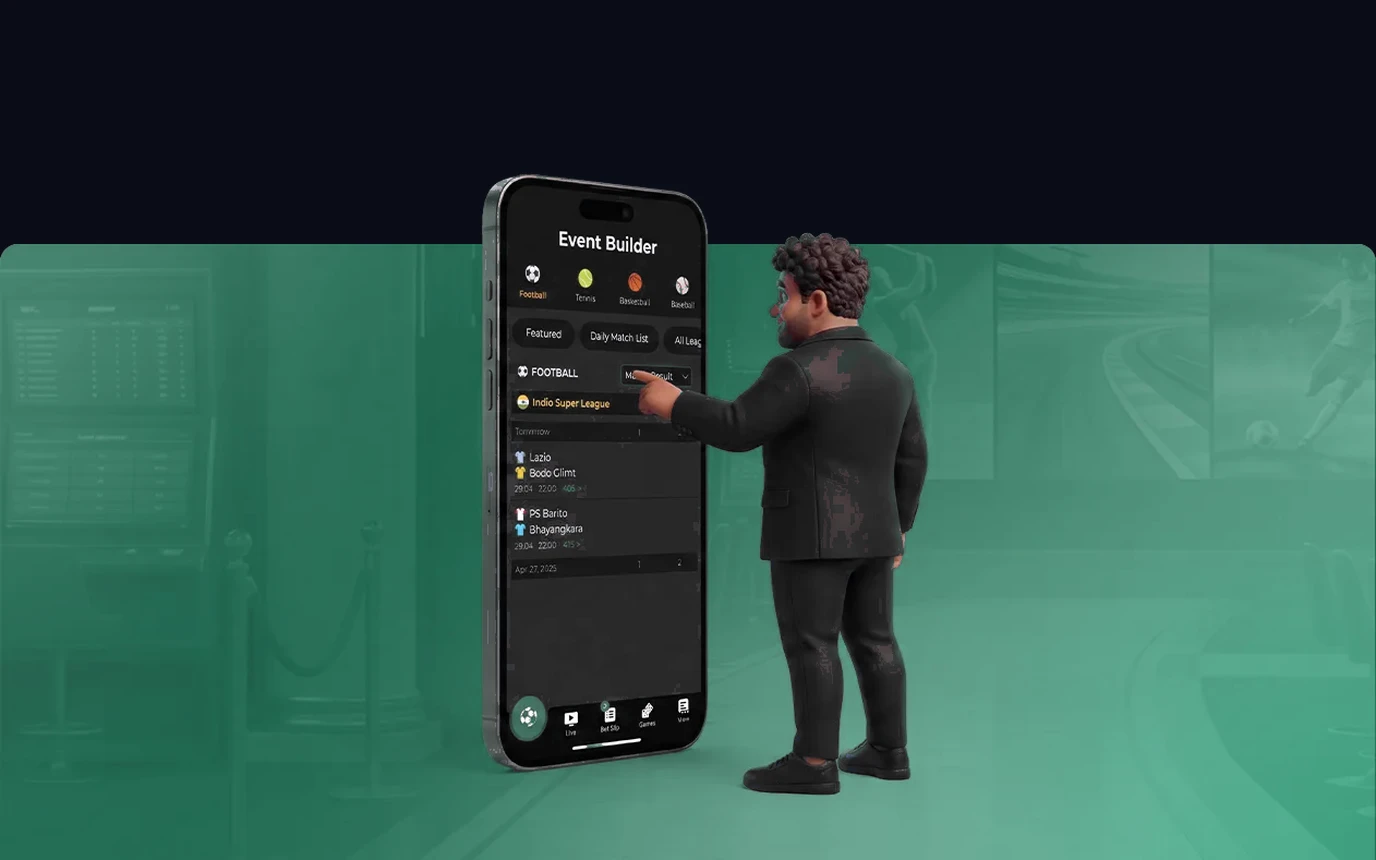
Greenbet Mobile Experience & Green Betting App Architecture.
Playing on your phone should feel instant and secure, no lag, no fuss. The Greenbet app is built for smartphones across European networks. Whether you're spinning slot reels or betting on live roulette, it runs at a smooth 60 frames per second.
It's built for modern Android hardware, and for iOS it runs as a lightweight Progressive Web App (PWA), a web app you add to your home screen without going through the App Store. Either way, you get instant access to the cashier, fast cashouts, and live chat around the clock.
The app compresses data so it barely touches your mobile plan. You can play for hours on 4G or 5G across Europe without buffering or dropped connections.
How to Safely Download and Install the Android APK.
Download the Android APK only from greenbet.cc. Avoid copies shared in chats or on download sites, because there is no reliable way to check who changed them.
The installation steps are short: open greenbet.cc on your phone, tap Download APK, and wait for the file to finish. If Android blocks it, allow installs from this browser in Settings, open the downloaded file, and then switch that permission off again.
After installation, sign in and enable touch login if your phone supports it. Keep your password saved in a password manager, not in a note or screenshot.
How to Add the PWA Mobile Shortcut on iOS Safari.
iPhone users get the same real app experience through the iOS PWA, a lightweight web app that takes almost no storage. It updates itself quietly in the background.
To add the Greenbet shortcut on iPhone or iPad: open Safari and go to greenbet.cc, then tap the Share icon (the square with an arrow) at the bottom of the screen. Scroll down, select Add to Home Screen, confirm the name, and tap Add. The icon now opens full-screen play, no address bar in sight.
It works just like a native app, full cashier access and smooth navigation, on every iPhone model.
Minimum Device Operating System Requirements and Troubleshooting.
The app runs smoothly on budget phones and flagships alike thanks to solid device compatibility. You'll need Android 7.0 or newer with 2GB of RAM, or iOS 13.0 or later on iPhone.
The device compatibility list covers Samsung, Xiaomi, Motorola, Huawei, and Apple devices. Regular updates keep it compatible with each year's new operating system release.
If installation gives you trouble, check that your browser allows file downloads and clear its cached data. Also check that battery-saver mode isn't blocking background processes. Still stuck? Greenbet's support team is on live chat 24/7.
App Security, Touch Login, and Payment Protections.
Every session and every cashier transaction runs on bank-standard 256-bit SSL encryption. You can log in with your fingerprint or Face ID, so you're never typing a password in public.
Cashier transactions on mobile are protected by multi-factor authentication. Whether you deposit by SEPA, card, or e-wallet, with cashouts processed within 24 hours, the security is exactly the same as on desktop.
Sessions time out automatically, and everything follows strict GDPR data rules. Greenbet operates under license OGL/2024/112/0082, issued to Greenbet Entertainment Ltd, so your balance stays protected.
Instant Push Alerts, Mobile-Exclusive Promotions, and Loyalty Access.
Turn on push alerts and you won't miss surprise free spins, weekend cashback, or slot leaderboards. App users regularly get exclusive bonuses sent straight to their notifications.
Your mobile play syncs with your main Greenbet account automatically. Loyalty points from mobile count the same toward VIP status, which unlocks higher withdrawal limits and a dedicated account manager.
For example, if you enable push notifications, you'll hear about new high-RTP slot releases and special promotions before they go live to everyone else. That means you get first crack at the best opportunities.
Notifications are optional.
Turn them off whenever they become distracting.
A useful final check takes less than a minute. Confirm that the address bar shows greenbet.cc, update your phone, and make sure there is enough free storage before downloading. On Android, remove the browser's installation permission as soon as the APK is installed. On iPhone, delete an old shortcut before adding a new one if the icon opens the wrong page. If the app freezes during a payment, do not tap Deposit twice. Reopen the cashier and check the transaction history first.